
Your account management
Moving between different Hausings
- Log in to Hausing at my.hausing.app
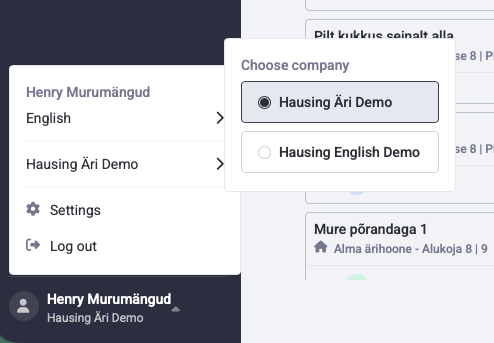
- Click on your name in the bottom left corner
- Then click on the company name, and you will see which Hausings you have access to as a user
Changing your personal information and password
- Click on your name in the bottom left corner and select settings.
- You can change your password and other details.
- Add your personal ID code if you want to use Smart-ID, an ID card, or Mobile-ID to log in.