
How to add devices?
1. ADDING DEVICES
- Open the "Buildings" menu and select the building where you want to add devices.
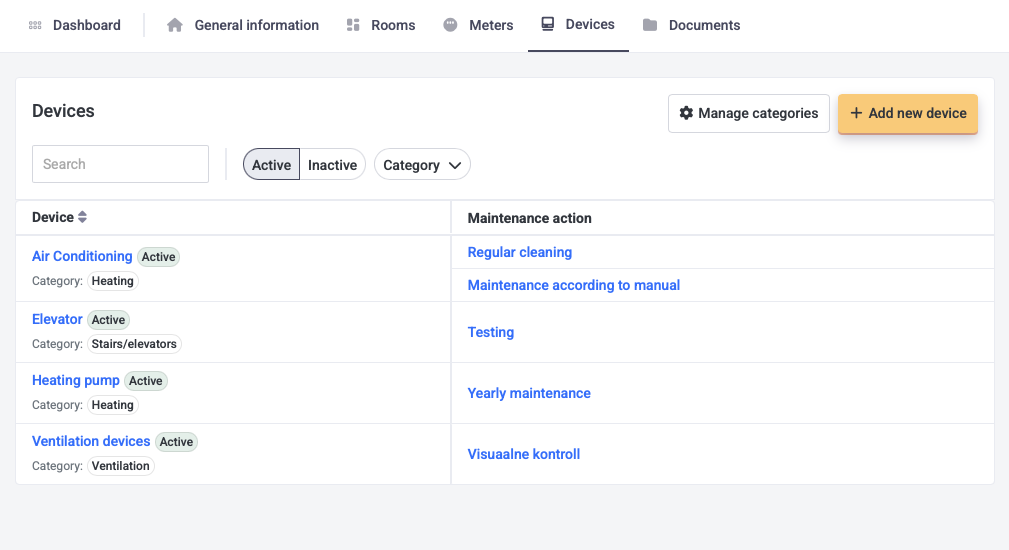
- Choose "Devices" from the top menu bar.
- Click "Add new device" on the right and fill in the required fields. Add maintenance tasks for each device that needs to be done. Add tasks separately if they have different frequencies (e.g., "Filter Replacement" and "Inspection") or combine them under a general task like "Maintenance."
- Click "Save" and a new device with actions is added.
2. DEVICE MAINTENANCE TO MAINTENANCE DIARY
To make a maintenance diary out of devices maintenance, then follow this manual.